Your Laptop, Your AI: Building a Local AI Development Workstation
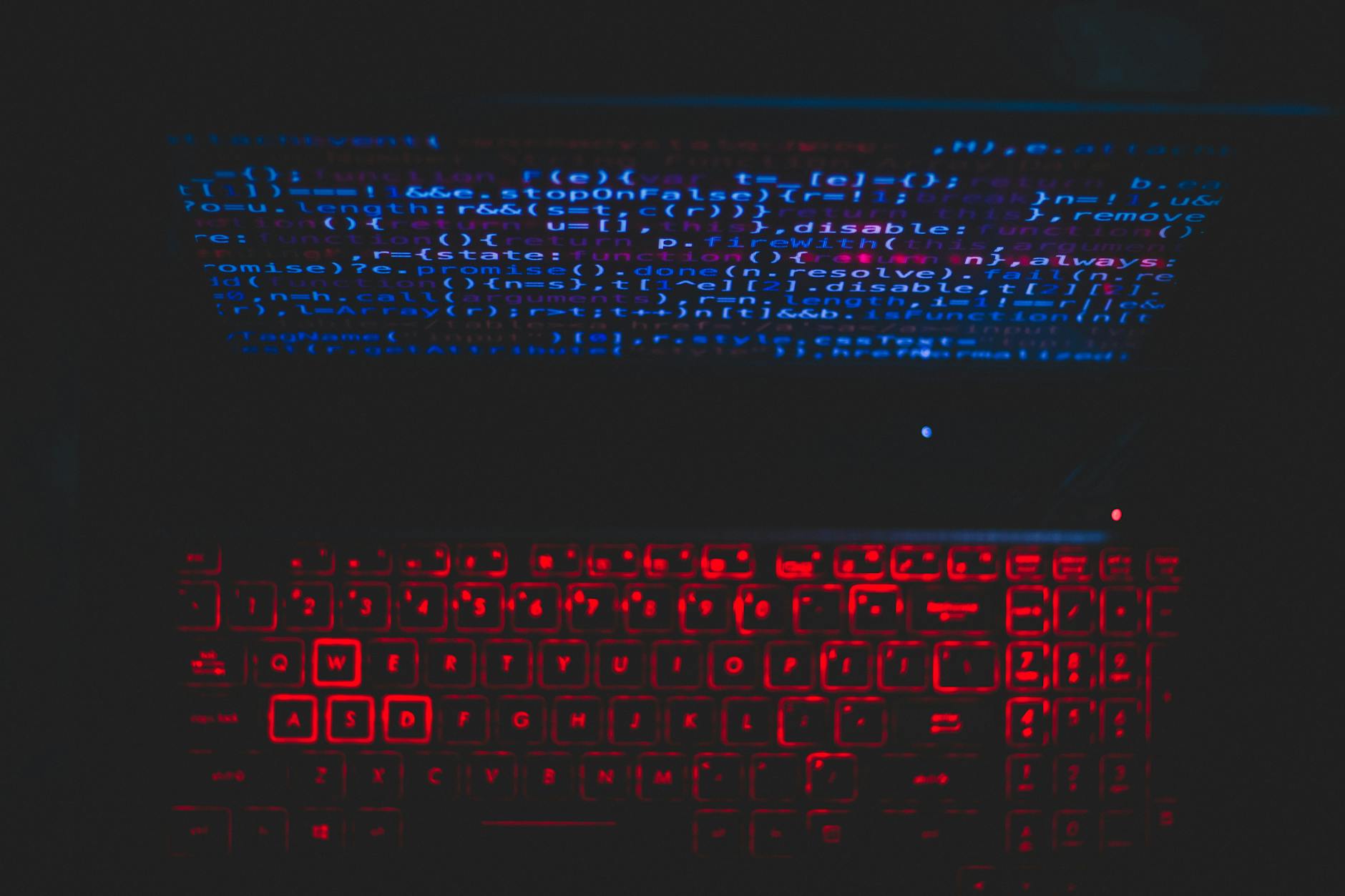
Photo by Rahul Pandit via Pexels
Published on Alfo Tech Industries Blog · by Alfo Tech Industries · September 22, 2026
The cloud-first dogma for AI development is showing cracks. For us solo technical founders, especially those of us watching every dollar and every data packet, relying solely on remote GPUs or managed services feels increasingly antiquated. Modern, high-performance laptops are no longer just for spreadsheets and emails. They've become legitimate contenders for serious on-device AI workloads. If you’ve got a machine with a dedicated GPU, be it NVIDIA’s latest RTX or Apple’s M-series silicon, you have the raw power to forge a formidable local AI development workstation. It’s about taking back control of your data, your costs, and your workflow, right from your desk.
In this article:
- The Hardware That Makes It Real (And What It Costs)
- Forging Your Software Stack: The Right Tools for Local AI
- Maximizing Performance: Sweat the Small Stuff
- Privacy by Design: Why Local AI Wins the Trust Game
- Nuance and Hard Choices: Facing Local AI’s Realities
- What About Multi-GPU Setups?
The Hardware That Makes It Real (And What It Costs)
Let's be blunt: you need capable hardware. We're talking about laptops with real muscle. For Apple users, the M-series chips (M1, M2, M3, and now M4/M5) are architectural marvels for AI. Their Unified Memory Architecture (UMA) means the CPU, GPU, and Neural Engine all share the same high-speed memory pool. This eliminates costly data transfers and makes AI inference incredibly efficient. A Mac with an M3 or newer chip can comfortably churn out 50-80 tokens per second on a 7B parameter model, according to Apple. On the PC side, NVIDIA’s RTX GPUs, like the RTX 4080 or RTX 4090, are powerhouses, leveraging CUDA for unmatched acceleration. For more demanding tasks, an RTX 5090 with its anticipated 24GB GDDR7 VRAM will be a beast. Memory is your biggest constraint with LLMs. For a 7B model, you'll want at least 8GB of RAM, but 16GB is where you start to breathe. Serious work with 13B models and beyond absolutely demands 32GB or more unified memory/RAM. Don't skimp here; memory bandwidth and capacity dictate what models you can even load.
Forging Your Software Stack: The Right Tools for Local AI
Once your hardware is sorted, the software stack determines your success. macOS is highly optimized for Apple Silicon, making it a natural choice for M-series users. For NVIDIA GPUs, Windows works, but many developers gravitate towards Linux or Windows Subsystem for Linux (WSL) for its greater control and developer-friendliness. On the framework front, PyTorch is a go-to. It supports Apple Silicon via the Metal Performance Shaders (MPS) backend on macOS 12.3+, transforming operations into custom Metal shaders. For NVIDIA cards, PyTorch speaks CUDA fluently. Apple has even launched MLX, an open-source machine learning framework specifically tuned for Apple Silicon, often outperforming PyTorch MPS for LLM inference. Then there are the brilliant local LLM utilities like Ollama, LM Studio, and GPT4All. These tools are indispensable. They abstract away the gnarly bits of model quantization and management, offering OpenAI-compatible APIs so you can swap from cloud to local with minimal code changes. They simplify downloading and running models from families like Qwen, Gemma, Phi, DeepSeek, and Llama.
Maximizing Performance: Sweat the Small Stuff
Getting AI models to run locally isn't just about throwing hardware at the problem; it's about smart optimization. Quantization is your secret weapon. It reduces the precision of model weights (e.g., from 32-bit floats to 4-bit integers), drastically shrinking model size and boosting inference speed by 2-5 times. A 7B model that might be 30GB can shrink to around 4GB, a staggering 87% reduction! Yes, there’s a minor accuracy trade-off, but for many use cases, it's a perfectly acceptable compromise. Just don't expect 4-bit quantized models to perform like their unquantized counterparts on complex reasoning tasks. Thermal management is critical on laptops. Your shiny GPU will thermal throttle hard—we're talking 20-40% speed loss—if it overheats. Use a cooling pad. Monitor temperatures. Ensure good airflow. Keep your GPU drivers and AI frameworks updated; these aren't just bug fixes, they often include crucial performance improvements. Small tweaks make a big difference.
Privacy by Design: Why Local AI Wins the Trust Game
For a solo founder, especially one handling sensitive or proprietary data, the privacy advantages of local AI are profound. When your models run on your machine, your data never leaves your machine. Your prompts, your documents, your generated responses—they stay yours. This obliterates concerns about third-party data collection, storage, or potential breaches. In an age of increasing data scrutiny, that's priceless. It means compliance with regulations like HIPAA or GDPR becomes infinitely simpler because you're not shipping sensitive information off to an external vendor. Plus, there's the delightful benefit of offline functionality. Once a model is downloaded, your AI tooling works without an internet connection. This ensures continuity and privacy even in air-gapped environments or when your internet goes kaput. No internet, no problem for your local LLM. This level of control isn't just a nice-to-have; it's a fundamental architectural decision for projects demanding robust data security.
Nuance and Hard Choices: Facing Local AI’s Realities
Building a local AI development workstation isn't without its trade-offs. While Apple Silicon excels in memory efficiency and power consumption for LLMs, the NVIDIA/CUDA ecosystem generally boasts broader tool support and a more mature software stack for a wider array of AI tasks beyond just LLMs. If your workflow is deeply entrenched in CUDA, switching to Apple Silicon might mean some friction. Furthermore, those high-performance gaming laptops with monster GPUs are often bulky, and their battery life plummets under heavy AI load. Thermal throttling is a constant battle. You might save on cloud costs, but you pay in weight and heat. Also, remember that aggressive quantization (e.g., 4-bit) can degrade accuracy or coherence, especially for complex reasoning tasks. Choosing the right quantization level is a constant balancing act between memory, speed, and output quality. Critically, for LLMs, having enough memory to load the model and its context is often more important than raw processing speed. Insufficient memory can lead to 'quiet failures,' where the model technically runs but produces degraded, inconsistent results that are a nightmare to debug. There are no silver bullets, only compromises.
What About Multi-GPU Setups?
While possible, running AI across multiple GPUs in a laptop is generally not recommended or feasible. Laptops are designed for single-GPU performance. Multi-GPU setups are typically reserved for desktop workstations or servers, where cooling, power, and interconnects are purpose-built for such configurations. For a solo founder on a laptop, focus on optimizing your single, most powerful GPU.
Conclusion
The vision of running sophisticated AI entirely on your laptop isn't futuristic fantasy; it’s a present-day reality for solo founders with the right hardware and mindset. By understanding your machine's capabilities, selecting the right software, and employing smart optimization tactics, you can build a powerful local AI development workstation. This isn’t just about cost savings, though those are significant. It’s about owning your data, maintaining unparalleled privacy, and enjoying the sheer autonomy of having a powerful AI assistant that works for you, and only for you. The future of AI development doesn't have to be entirely in the cloud. It can be right here, on your desk.
FAQs
Can I train large models effectively on a laptop, or is it just for inference?
While modern laptops can handle fine-tuning smaller models or performing transfer learning, full-scale training of large models from scratch is still primarily the domain of cloud GPUs or dedicated desktop workstations. Inference and fine-tuning are where your laptop shines, saving you significant cloud costs and ensuring privacy.
What's the bare minimum laptop specification I need to get started with local LLMs?
For running a small 7B parameter LLM locally, aim for a laptop with at least 16GB of unified memory (Apple Silicon) or 16GB VRAM on an NVIDIA GPU. An M1 MacBook Air or an RTX 3050-equipped laptop could be entry points, but managing expectations for larger models is key. More memory is always better.
Are there specific challenges with running AI on Linux on a laptop compared to Windows/macOS?
Linux often provides the best raw performance and deepest customization for NVIDIA GPUs, but setting up CUDA and drivers can be more involved. Windows with WSL offers a good compromise, giving you a Linux environment with solid GPU pass-through. macOS, while seamless for Apple Silicon, has its own unique API stack (Metal/MPS) that sometimes requires code adaptation.
How do I monitor my laptop's performance and temperature during AI workloads?
For Apple Silicon, tools like Activity Monitor (for CPU/GPU utilization) and third-party apps like 'iStats Menus' (for temps) are useful. On Windows, Task Manager provides GPU metrics, and utilities like HWMonitor or MSI Afterburner offer more detailed thermal and clock speed insights. Linux users have `nvidia-smi` for NVIDIA cards and various `sensors` tools for CPU/system temps. Keeping an eye on these is crucial for avoiding thermal throttling.
Sources & Further Reading
- promptquorum.com
- medium.com
- crawleo.dev
- medium.com
- geeksforgeeks.org
- mbsdirect.com
- medium.com
- apple.com
- dell.com
- huggingface.co
- mashable.com
- medium.com
- microcenter.com
- hp.com
- hp.com
- medium.com
- youtube.com
- huggingface.co
- apple.com
- udacity.com
- codingforentrepreneurs.com
- apple.com
- apple.com
- hoxtonmacs.co.uk
- arxiv.org
- github.io
- medium.com
- virtualizationreview.com
- huggingface.co
- instaclustr.com
- acecloud.ai
- northflank.com
- cast.ai
- sabrepc.com
- microcenter.com
- localllm.in
- zenvanriel.com
- bitecool.com
- lenovo.com
- kuware.com
- local-llm.net
- webai.com
- localaimaster.com
- enclaveai.app
Alfo Tech Industries Blog — Alfo Tech Industries Blog is published by Alfo Tech Industries, an AI‑native, founder‑focused product ecosystem building automation, AI tooling, and technical systems for independent creators and small teams.

Comments
Post a Comment