The Disk Space Dilemma: Architecting Lean Local AI Data Storage for Solo Founder Projects
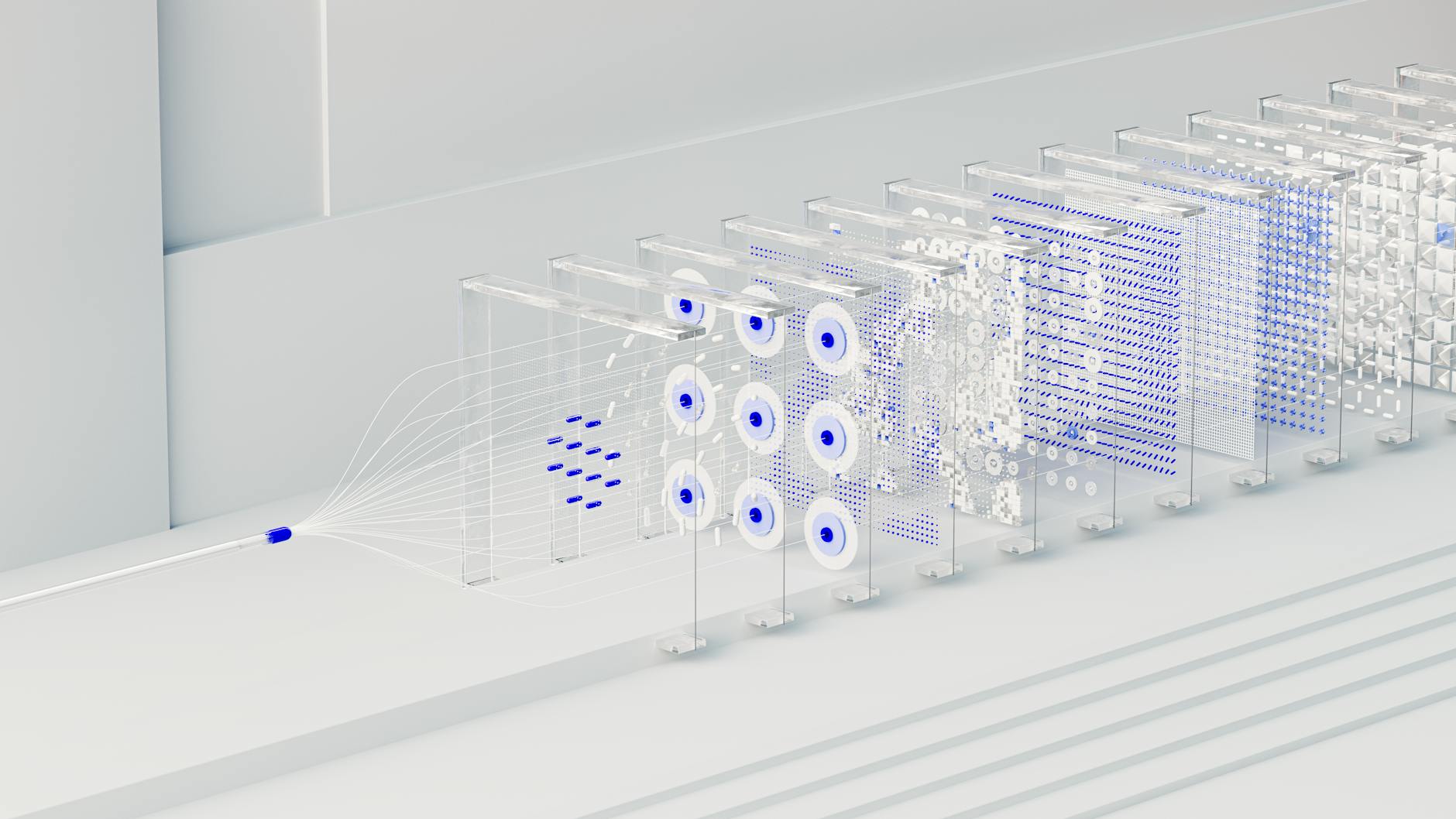
Photo by Google DeepMind via Pexels
Published on Alfo Tech Industries Blog · by Alfo Tech Industries · September 23, 2026
So, you're building an AI product as a solo founder. Good on you. But let's be blunt: your local machine is probably groaning under the weight of models and datasets. The prevailing wisdom often screams, "Just move it to the cloud!" That's a fine option for some, but many of us need local control for privacy, predictable costs, or raw iteration speed. Simply buying another hulking SSD isn't the architectural strategy we need. We're not just consumers of storage; we're architects of lean, efficient local AI data storage systems, even on a single machine. This isn't about throwing hardware at the problem; it's about smarter design choices. Let's dig into how you tackle the disk space dilemma head-on.
In this article:
- The Raw Truth: Why Your Local Machine Groans Under AI
- Smart Compression: Squeezing More from Less with Sparse Data
- The Need for Speed: Intelligent Caching Strategies
- Hybrid Horizons: Beyond Your Desktop Drive
- Architects, Not Just Buyers: Rethinking Local AI Data Storage
The Raw Truth: Why Your Local Machine Groans Under AI
Modern AI is hungry. It’s not a secret. Large Language Models, the bedrock of so many new applications, measure their parameters in billions. A 7-billion parameter model alone demands around 14GB of VRAM at 16-bit precision. Scale that to 70 billion, and you’re looking at a staggering 140GB. On disk, these beasts swallow dozens of gigabytes – a 70B model easily consumes 40GB or more. And it's not just models. The datasets used to train these monsters double in size approximately every eight months. Your local machine, especially a laptop or mini PC, has finite resources. These massive files translate directly into agonizingly slow loading times, hogging your precious compute resources, and throttling development. If you're building, iterating, and testing on your personal setup, inefficient storage quickly becomes a critical bottleneck. You can't just wish the problem away; you must confront it with architectural intent.
Smart Compression: Squeezing More from Less with Sparse Data
Before you even think about external solutions, master the art of making your data smaller. Sparse data storage isn't just an academic concept; it's a practical necessity. Quantization is your first line of defense. By reducing the precision of model weights—say, from FP32 to FP16 or even INT4—you drastically shrink file sizes. A 27-billion parameter model, a true heavyweight at 108GB in full precision, shrinks to a manageable 13.5GB when quantized to INT4. That's a colossal 87.5% reduction! Beyond precision, consider trimming redundancies. Researchers at Princeton and Stanford developed CALDERA, an algorithm that compresses LLMs by identifying and eliminating superfluous data, resulting in much leaner models. Even for your own data, recognize sparsity. Many datasets, from recommendation systems to NLP, are inherently sparse. Leveraging formats like Compressed Sparse Row (CSR), common in libraries like SciPy, allows you to store only the non-zero values, saving immense amounts of disk space and memory. Don't process dense representations of sparse data; you're wasting precious cycles and capacity.
The Need for Speed: Intelligent Caching Strategies
Once your data is lean, ensure you access it at ludicrous speed. Caching is paramount for any performance-sensitive AI workload. Don't just load everything from disk every time. Your RAM is the fastest storage you own; use it wisely for in-memory caching. For LLMs, prompt caching is a godsend. By reusing previously computed parts of prompts or even entire responses, you drastically cut down on redundant API calls and processing latency. Think about how often you send similar prefixes. Caching those makes your application feel snappier and saves compute cycles. Beyond RAM, a fast local SSD (especially an NVMe drive like a Samsung 990 Pro or WD Black SN850X) serves as an essential cache tier. Preloading model weights onto an NVMe for inference slashes startup times, sidestepping costly network transfers or slower HDD access. For training, stage preprocessed batches on this fast storage. AI-driven pre-caching, where algorithms predict what you'll need next, represents the frontier here, but even simpler, rule-based caching makes a huge difference. Use your local SSD as the brain's scratchpad, not just a permanent vault.
Hybrid Horizons: Beyond Your Desktop Drive
Even with aggressive compression and clever caching, you’ll eventually hit a wall on a single internal drive. This doesn’t mean a full cloud migration; it means judiciously extending your local setup. External NVMe SSDs, connected via Thunderbolt or USB4, are remarkably performant. You can often run models directly from these without needing to copy them to internal storage. For a growing model library or larger, less frequently accessed datasets, a Network Attached Storage (NAS) unit, like a 4-bay Synology or QNAP configured with RAID 6, becomes a smart investment. It offers redundancy and centralized network access without recurring cloud costs. It's a stepping stone. For truly massive, unstructured datasets or archival needs, cloud object storage is often the most cost-effective and scalable solution. Providers like Wasabi, MinIO, or Backblaze B2 offer compelling economics. A common, effective pattern is to treat object storage as your permanent data lake, using your local fast storage as a high-performance cache for active development. Don't be afraid to mix and match; the optimal setup is almost always a hybrid one, tailored to your specific workflow.
Architects, Not Just Buyers: Rethinking Local AI Data Storage
The solo founder’s path demands an architect's mindset for local AI data storage, not just a consumer's. Resist the urge to solve every storage problem by purchasing another, larger hard drive. Understand that different stages of your AI pipeline have distinct storage requirements. Model training, for example, demands high-throughput, low-latency storage often best served by local or directly attached SSDs. Conversely, archiving raw, unprocessed data is a perfect fit for inexpensive, scalable object storage. Don't make the mistake of using a single storage type for all needs. A local-first approach offers immense benefits: privacy, predictable costs, and lightning-fast iteration cycles that the cloud often struggles to match for real-time development. However, ignoring the scalability of external or cloud solutions is equally naive. Leverage cloud object storage for robust backups—RAID protects against hardware failure, but not against accidental deletion or ransomware, as compudevices.com aptly points out. It's about a tiered strategy: fast for hot data, affordable for cold. Build intelligently, not just expansively.
Conclusion
The age of sprawling AI models and datasets means local storage is no longer a set-it-and-forget-it affair. For the solo founder, this isn't a limitation; it's an opportunity for clever engineering. Don't passively accept ever-growing disk usage. Quantize your models, implement intelligent caching, and thoughtfully integrate external and network storage where it makes sense. Your lean, mean development machine will thank you, running snappier, costing less, and empowering you to build faster. Be an architect of your data, not just a hoarder of files. Your success hinges on smart choices, not just brute force.
FAQs
How much can quantization really save for my local AI models?
Quantization can drastically cut down model size. For instance, reducing a 27-billion parameter model from FP32 to INT4 can shrink its footprint from 108GB to just 13.5GB. This offers significant savings in both disk space and required memory, making larger models feasible on local hardware.
What's the cheapest way to add fast local storage for AI development?
For truly fast local storage, an external NVMe SSD connected via Thunderbolt or USB4 is hard to beat for cost-effectiveness and performance. These drives are portable, can load models quickly, and prevent filling up your internal primary drive with massive AI assets.
Should a solo founder invest in a NAS for local AI data?
Initially, a fast external SSD might suffice. However, as your model library and datasets grow, a NAS offers centralized storage, robust backup capabilities with RAID, and easy sharing if you eventually work with others. It's a strategic investment for scaling your local infrastructure.
How can I implement intelligent caching for my AI projects without complex setups?
Start with in-memory caching for frequently accessed embeddings and prompt caching for LLM interactions. Simply storing common prompt prefixes and their responses in a dictionary or Redis can dramatically reduce latency and computation. For models, ensure your actively used weights live on your fastest local SSD, not a slower HDD.
Is it always better to store AI training data locally for privacy reasons?
Not necessarily. While local storage offers direct control over privacy, secure cloud object storage (like Wasabi or AWS S3 with proper access controls) can also meet privacy requirements, often with better scalability and redundancy. Your decision should weigh strict data residency needs against the operational benefits of cloud solutions.
Sources & Further Reading
- wasabi.com
- nano-gpt.com
- doableclaw.com
- blackscarab.ai
- fida.de
- baidu.com
- aitoolpipelines.com
- stanford.edu
- medium.com
- compudevices.com
- dremio.com
- substack.com
- stanford.edu
- mit.edu
- medium.com
- serverion.com
- medium.com
- amazon.com
- alluxio.io
- qksgroup.com
- repost.aws
- archil.com
- serverion.com
- promptquorum.com
- lightbitslabs.com
- cloudian.com
- min.io
- apxml.com
- informa.com
- backblaze.com
Alfo Tech Industries Blog — Alfo Tech Industries Blog is published by Alfo Tech Industries, an AI‑native, founder‑focused product ecosystem building automation, AI tooling, and technical systems for independent creators and small teams.

Comments
Post a Comment