Engineering the Solo Founder's AI Workbench: Optimizing Your Local AI Development Environment for Rapid Iteration
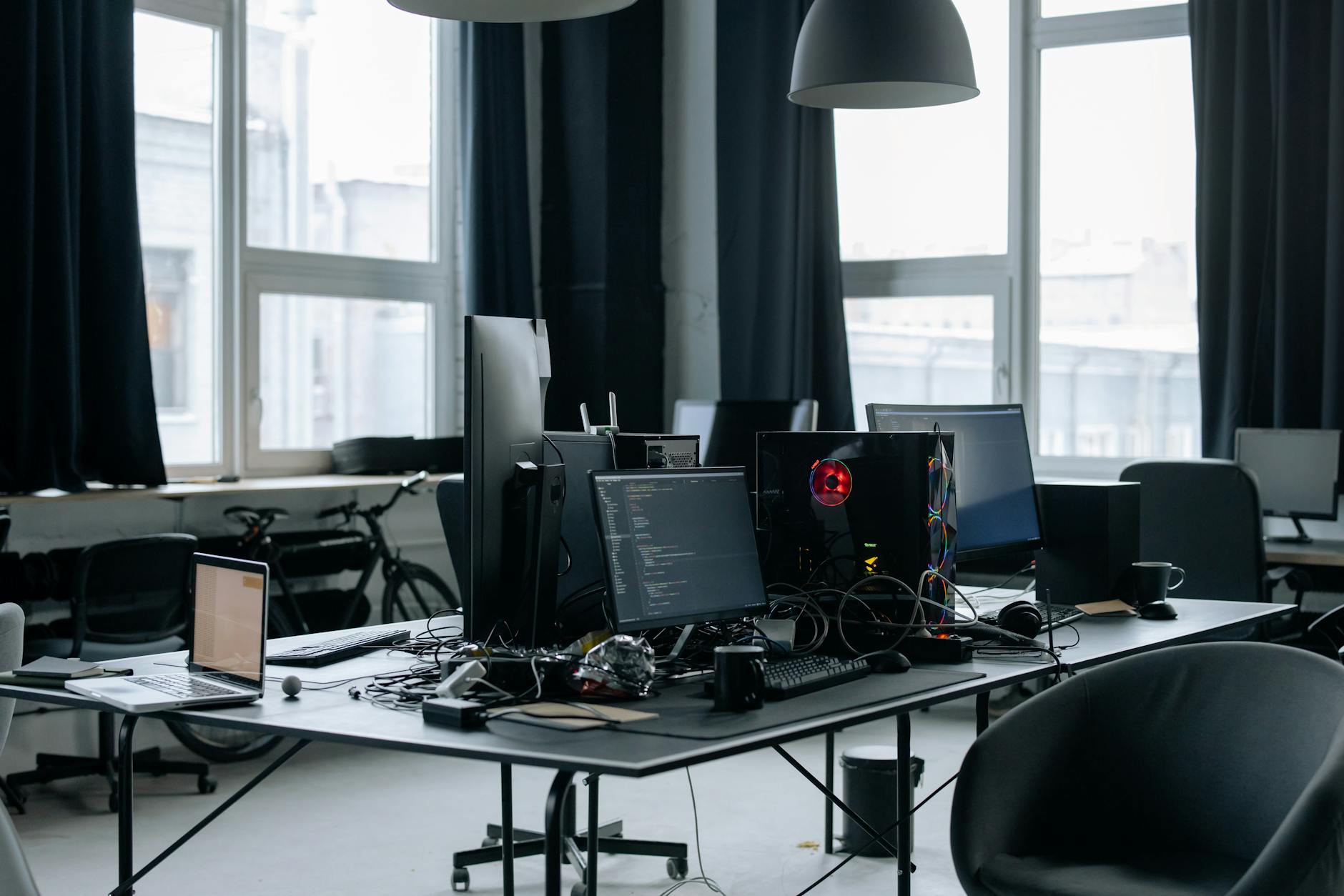
Photo by cottonbro studio via Pexels
Published on Alfo Tech Industries Blog · by Alfo Tech Industries · September 3, 2026
The cloud-first mantra for AI? It's often sound advice, but for solo technical founders, especially those grinding through repetitive, high-volume AI tasks, a different path emerges: the highly optimized local AI development environment. This isn't just about casually running an LLM on your laptop. We're talking about a thoughtfully engineered workstation or small server, purpose-built to slash iteration cycles, retain data privacy, and put a hard cap on those runaway cloud bills. I've been down this road; the switch from chasing ever-increasing API costs to leveraging local compute can feel like reclaiming your engineering destiny. Let's build your machine for real work.
In this article:
- The GPU: Your Local AI Muscle and Its Peculiarities
- Containerization for a Stable Local AI Development Environment
- Smart Data Strategy: The Unsung Hero of Local AI
- Navigating the Trade-Offs: When Local Isn't Always Lord
The GPU: Your Local AI Muscle and Its Peculiarities
Make no mistake: NVIDIA GPUs are the bedrock of local AI. Forget your CPU; your VRAM and Tensor Core performance dictate what you can actually do. The RTX series, or even a dedicated workstation like a DGX Spark, offers serious compute. But raw hardware isn't enough; you must leverage it properly. Mixed precision training halves memory usage and speeds things up, often without accuracy loss. Don't overlook data loading either; a slow DataLoader with default `num_workers=0` will starve your GPU, no matter how powerful it is. Crank that `num_workers` parameter for PyTorch DataLoader. Batch sizes are a balancing act: larger batches mean more stable gradients but chew through VRAM. Experiment with gradient accumulation if you're memory-constrained. The hidden killer? CPU-GPU data transfer overhead. Minimize moves across that PCIe bus; keep data on the GPU where possible. Organizations still struggle to push GPU utilization above 85%, even with powerful hardware; this isn't just a big enterprise problem. It's an engineering challenge we all face, and small tweaks make massive differences for your solo setup.
Containerization for a Stable Local AI Development Environment
Forget 'it works on my machine.' Your local AI development environment needs robust, reproducible foundations. Docker is non-negotiable here. It containerizes everything, ensuring your model runs identically today, tomorrow, and on a slightly different system. My approach? Start with lightweight base images. Alpine or slim variants are your friends. Then, employ multi-stage builds. First stage compiles dependencies, second copies only what’s needed for runtime, significantly shrinking your image size. Critically, keep large model weights out of your primary serving image. Fetch them at runtime or mount them as volumes. Docker Compose (version 2.35 and up is a treat) simplifies orchestrating multi-container AI applications, treating models like any other service in a CI/CD pipeline. Even better, tools like NVIDIA AI Workbench offer a flexible, containerized dev environment designed to scale from your desktop to the cloud. You get a consistent environment, no more dependency hell, and easy versioning of your entire stack.
Smart Data Strategy: The Unsung Hero of Local AI
Everyone obsesses over models, but data is where most AI projects truly falter. An incomplete, inconsistent, or untrusted dataset is a death sentence. Don't bake large datasets directly into your Docker images; that's a recipe for bloated, slow, and unmanageable containers. Instead, treat your data like an external resource. Fetch it from a local file store, S3-compatible storage, or even a simple network share at runtime. Intelligent data classification is paramount. Implement robust data governance from day one; even as a solo founder, a basic scheme prevents future headaches. Automate metadata tagging for your local datasets to improve searchability down the line. Real-time monitoring helps catch issues early. And critically, storage is a massive bottleneck. People often focus on GPUs, but if your data can't feed that hungry GPU fast enough, you've optimized nothing. Invest in high-throughput local NVMe drives, ideally configured in RAID for redundancy and even better performance. Your GPU can only crunch what your disk provides.
Navigating the Trade-Offs: When Local Isn't Always Lord
Look, I champion local AI. It delivers incredible power and cost savings. But I'm also a pragmatist; it's not a silver bullet. Cloud AI still holds a trump card: access to frontier models like GPT-4 or Claude 3.5 Opus. These models often outperform even the largest open-weight models on truly complex, cutting-edge tasks. If your application demands that absolute top-tier reasoning, you're paying for cloud access. Elastic scalability is another big one; unpredictable spikes in workload are a cloud superpower. For solo founders just starting out, or with genuinely low AI usage, that upfront hardware investment for a local setup often doesn't make financial sense. $20/month for a premium cloud API beats shelling out thousands for a GPU if you're only hitting it occasionally. The VRAM constraint on local hardware is also a persistent limitation. You simply can't host gargantuan models with billions of parameters, models that demand hundreds of gigabytes of VRAM, on a single desktop. Know your limits, and strategically combine local and cloud resources.
Conclusion
Building an optimized local AI workbench isn't about avoiding the cloud entirely; it's about making smart engineering choices to maximize your iteration speed and capital efficiency as a solo founder. You gain control, privacy, and predictability, which are invaluable assets when you're moving fast. Embrace the power of your own hardware, manage your data like gold, and containerize everything. You're not just running models locally; you're building a foundation for truly rapid, independent AI innovation.
FAQs
How much VRAM do I really need to start with local AI development?
For serious local AI development, aim for at least 24GB of VRAM. While 12GB can get you started with smaller quantized models (like 7B or 13B), 24GB opens up much larger models (e.g., 30B to 70B parameter models often require this) and allows for fine-tuning. More is always better, but 24GB provides a solid foundation without breaking the bank immediately.
Is local AI always more cost-effective than cloud AI for solo founders?
Not always. For very low-volume or occasional usage, cloud subscriptions often remain more economical due to zero upfront hardware costs. However, if your monthly cloud API spend for AI tasks exceeds $500-$700, a local setup can typically break even within 12-24 months and save significant money long-term. Calculate your anticipated usage carefully.
What's the best way to handle dataset updates in a local environment?
Avoid rebuilding Docker images for every dataset update. Instead, store your datasets externally (e.g., on a fast NVMe drive, a local NAS, or even an S3-compatible local MinIO instance). Mount these datasets as volumes into your containers, or design your applications to fetch them from defined storage locations. This decouples data from your application logic and allows for seamless updates.
Can I run multiple models simultaneously on a single GPU locally?
Yes, to a degree. You can run multiple smaller models concurrently as long as their combined VRAM requirements do not exceed your GPU's capacity. For larger models, you might need to swap them in and out of VRAM, which incurs a performance penalty. Look into libraries like 'vLLM' for efficient serving of multiple smaller models.
Sources & Further Reading
- nxcode.io
- solutionsreview.com
- local-llm.net
- medium.com
- mindstudio.ai
- localaimaster.com
- naloseed.com
- medium.com
- nvidia.com
- startupfortune.com
- nvidia.com
- allpcb.com
- exxactcorp.com
- mirantis.com
- docker.com
- medium.com
- run.ai
- redhat.com
- dzone.com
- nvidia.com
- ovaledge.com
- datagalaxy.com
- cloudsoda.io
- splunk.com
- medium.com
Alfo Tech Industries Blog — Alfo Tech Industries Blog is published by Alfo Tech Industries, an AI‑native, founder‑focused product ecosystem building automation, AI tooling, and technical systems for independent creators and small teams.

Comments
Post a Comment